
App interface walkthrough
Explore the dashboard, review QCs, and manage corrections.
Unable to load this video. Open the video directly ↗
Quality control, under control
Help supervisors review faster, track corrections, and keep technicians accountable, from photo capture to Catalyst upload.
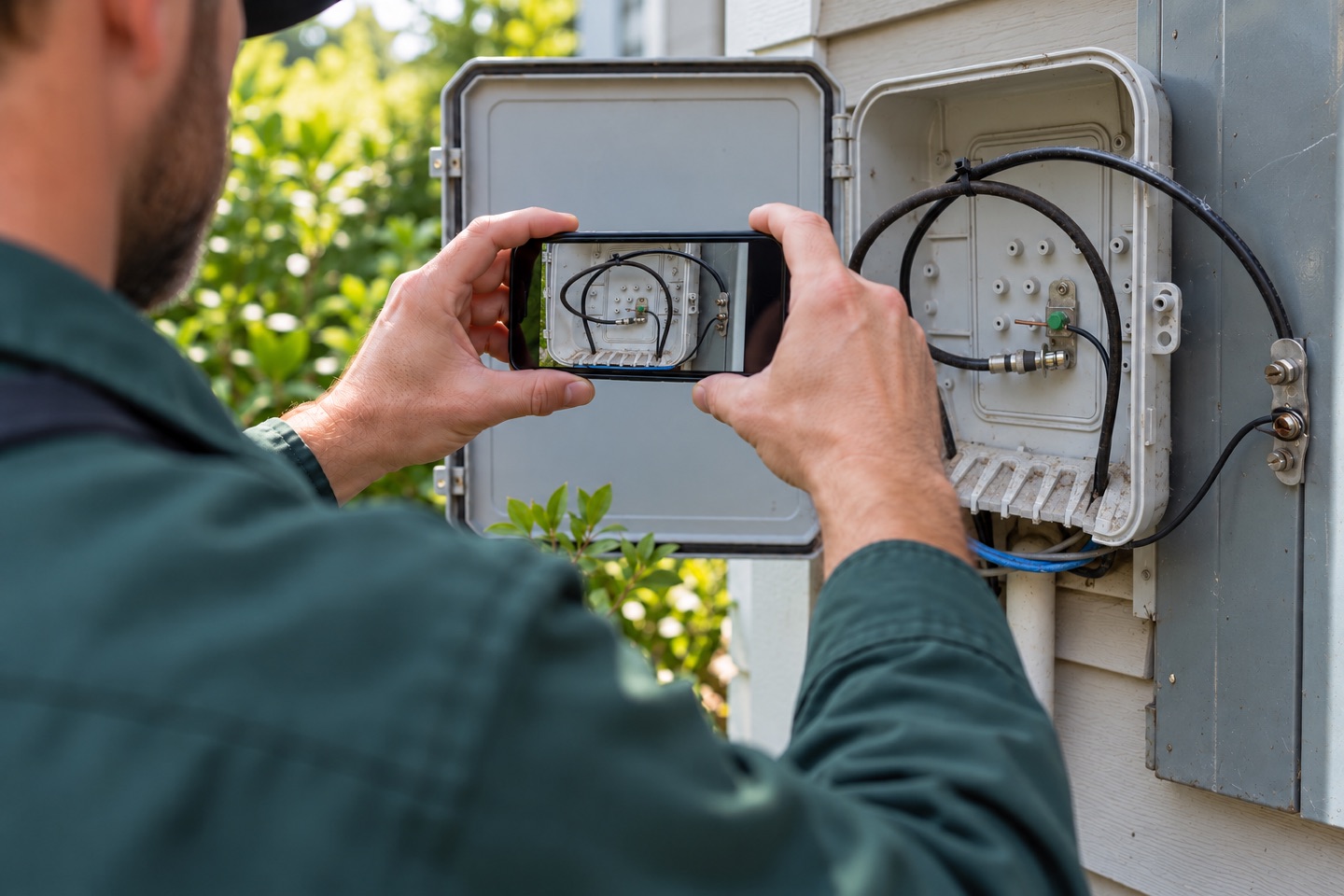
One connected workflow for technicians, supervisors, and the work that needs a second look.
Explore the app, watch QC uploads on autopilot, and see the technician experience.
Explore the dashboard, review QCs, and manage corrections.
Unable to load this video. Open the video directly ↗
Watch the extension upload a QC to Catalyst on autopilot.
Unable to load this video. Open the video directly ↗
Capture job photos and submit a QC directly from a phone.
Unable to load this video. Open the video directly ↗
Give supervisors the context to make better decisions and technicians a clear path to getting work approved.
Zoom into job photos, check available timestamps and GPS accuracy, and compare original work with corrected attempts.
Approve confidently or reject with clear instructions. Every attempt stays connected to the job.
Keep failed work visible through resubmission, approval, and upload. Push alerts and morning reminders help technicians act.
The Chrome extension assists with passing QCs, failed observations, and approved correction follow-ups in Catalyst.
Connect field submissions to supervisor decisions and Catalyst, with corrections tracked along the way.
Technicians add job photos and an account screenshot. Supported screenshots provide job details, with job-number confirmation.
Supervisors inspect photos and approve work or select rejection reasons with plain-language assistance and exact Catalyst wording.
Technicians receive feedback and resubmit. Supervisors compare attempts and confirm that the problem has been fixed.
Use the extension for supported uploads. Track uploaded records and see progress by technician and day.
Built for the people managing quality across a whole team, not just a single submission.
Set company targets and technician overrides. Track fiscal-month progress, explore uploads by technician and day, and open matching records from the dashboard. Share Catalyst progress snapshots showing approved and failed uploads.
Find QCs by job number, Tech ID, or extracted address. Filter by review and upload status, including fixed work. Photo timestamps and available GPS information add context to every review.
Plain-language explanations, technician terms, typo handling, and suggestions for multiple issues help supervisors select the corresponding Catalyst reasons. Push alerts and morning reminders cover rejections, approaching deadlines, overdue corrections, and monthly goals.
Manage companies, technician access, goals, and notification settings. Disable technicians while keeping their QC history. Add the web app to a phone’s home screen for convenient access without an app-store download.
The Chrome extension assists with supported upload steps for passing QCs, failed observations, and approved correction follow-ups. Book a demo to review the supported workflow for your team.
See your QC workflow in one place with TQA Automatic Upload.
A walkthrough built around your team’s QC process.